LXC Configuration
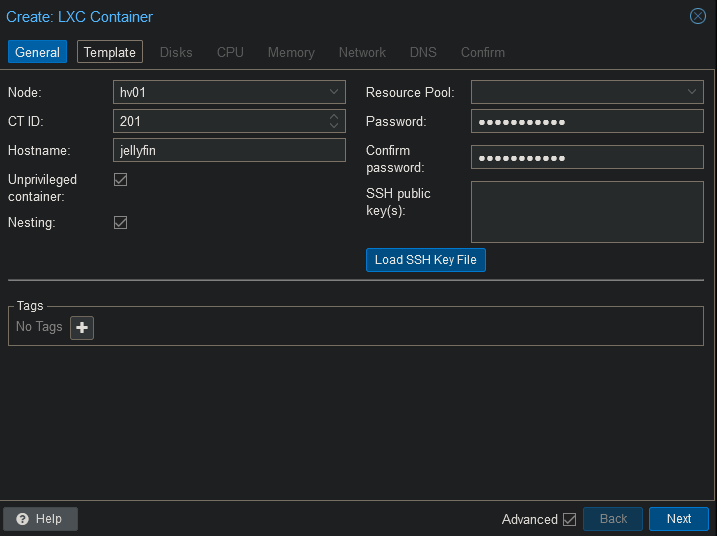
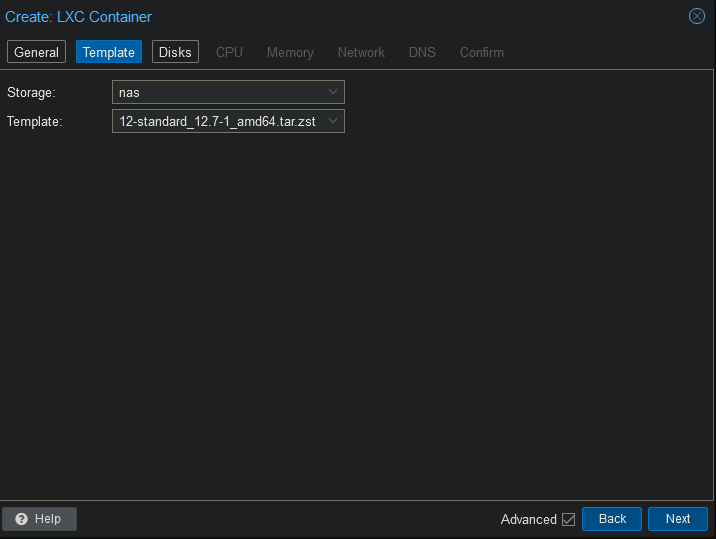
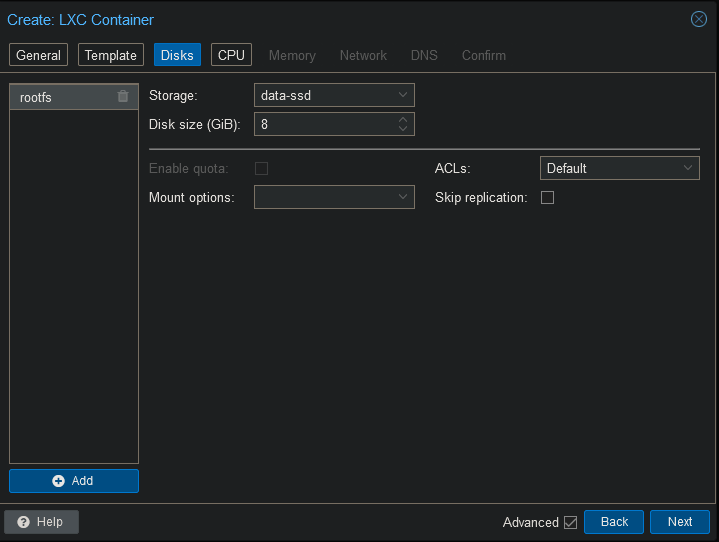
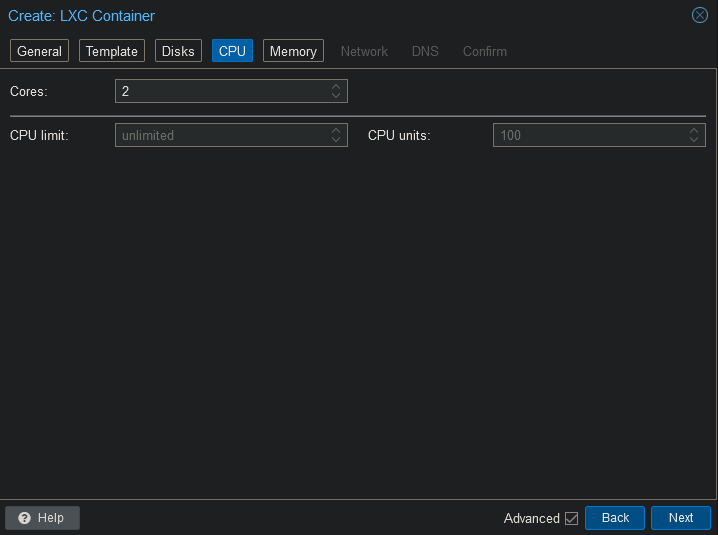
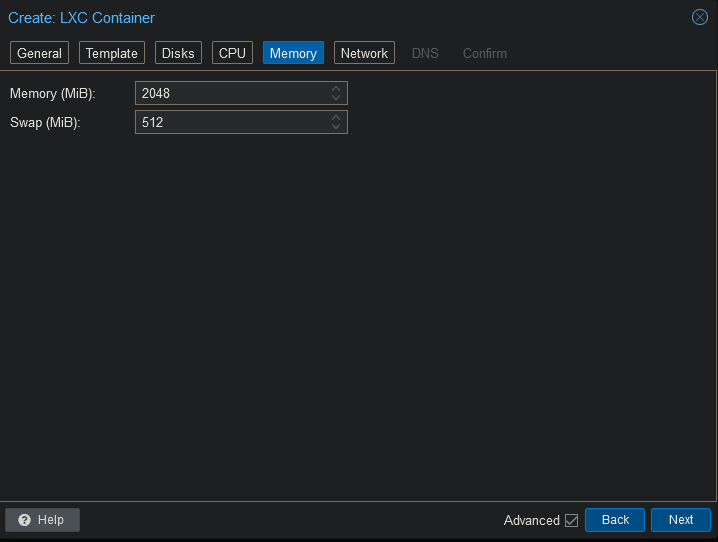
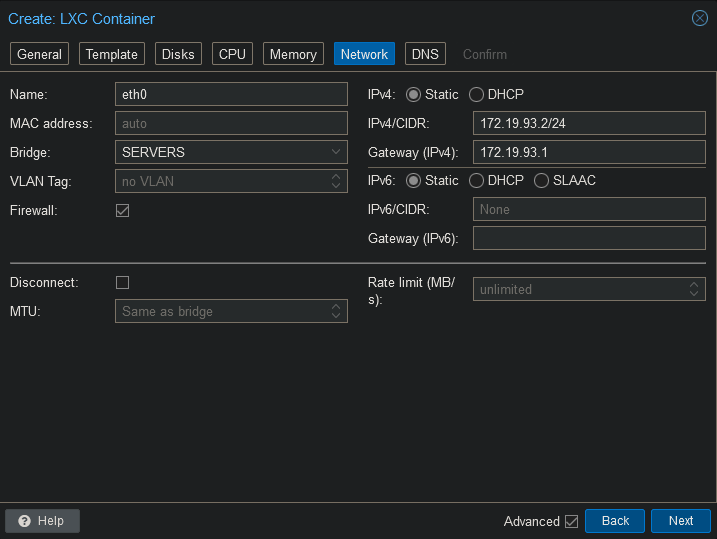
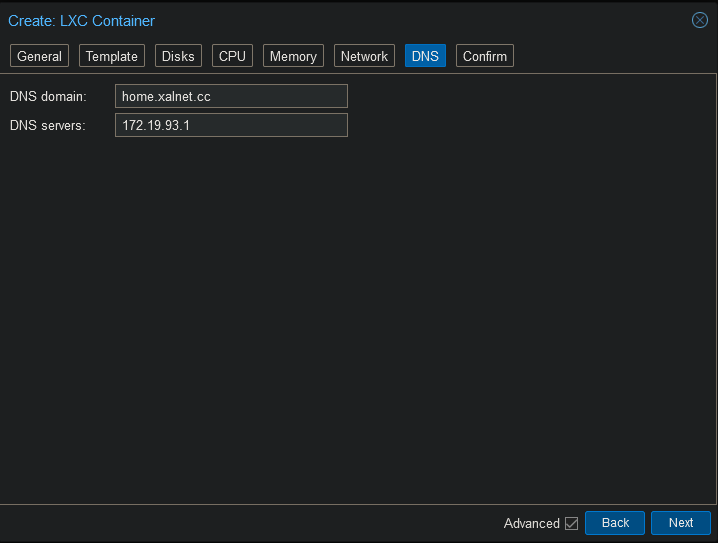
Add mountpoint
Open the shell on the Proxmox host and run the following command. Change the id to whatever id your container has.
pct set 201 -mp0 /mnt/pve/nas/video,mp=/mnt/video
pct set 201 -mp1 /mnt/pve/nas/cache/jellyfin,mp=/mnt/cache
Add iGPU
Open the shell on Proxmox and run the following command.
nano /etc/pve/lxc/201.conf
Add the following to the end of the file and save.
dev0: /dev/dri/card0,gid=44,uid=0
dev1: /dev/dri/renderD128,gid=104,uid=0
Install Jellyfin
Connect to the container’s shell.
apt update
apt upgrade -y
Install the dependencies.
apt install curl sudo gpg mc -y
Install the following drivers.
apt install va-driver-all ocl-icd-libopencl1 intel-opencl-icd vainfo intel-gpu-tools -y
Run the install script to start your Jellyfin installation.
curl https://repo.jellyfin.org/install-debuntu.sh | bash
Press “Enter” again to start the installation.